Stops vs IRE: The Language of Cinematographers
Feb 16, 2026Why Cinematographers Think in Stops (Not Just IRE)
Exposure vs Contrast
Most filmmakers learn exposure through tools like waveform, zebras, and false color. And to be clear, those tools are excellent. They help you place skin tones correctly, protect highlights, and keep your exposure in a safe range.
If you work in a Cine EI workflow, start with Exposure Index Explained to see how EI changes the exposure decision without changing the sensor’s native sensitivity.
But proper exposure alone doesn’t create cinematic images.
Two frames can be exposed correctly and still feel completely different. The difference is usually contrast, the relationship between highlights, midtones, and shadows. When your lighting is intentional, you see depth, separation, and shape. When it isn’t, the image can feel flat even if the exposure is technically correct.
Insert image: Before/after frame grab showing flat vs intentional contrast
What Is a Stop?
At its core, a stop is a doubling or halving of light.
- Double the light = one stop brighter
- Half the light = one stop darker
Stops are not tied to a monitor tool or a picture profile. Stops are tied to physics. That’s why cinematographers use stops as a universal language on set.
Why 18% Middle Gray Matters
Stops are measured relative to middle gray. Every digital camera is calibrated around middle gray, commonly referred to as 18% gray. It’s called 18% gray because it reflects approximately 18% of the light that hits it, compared to pure white, which reflects nearly all of it.
Middle gray becomes the anchor point. When we talk about being one stop over or two stops under, we’re describing our distance from that reference point.
This is also why dynamic range is discussed in stops above and below middle gray. A camera might capture several stops above middle gray before highlights clip and several stops below middle gray before shadows lose usable detail.
Insert image: Middle gray card on set (BTS still)
Insert chart: Simple dynamic range graphic showing stops above/below middle gray
The Full Stop Table
Once you know the stop scale, cinematography becomes easier to repeat and easier to communicate. Here is a simple trick to remember full stops: memorize the first two values, 1 and 1.4, then double each sequence to build the table.
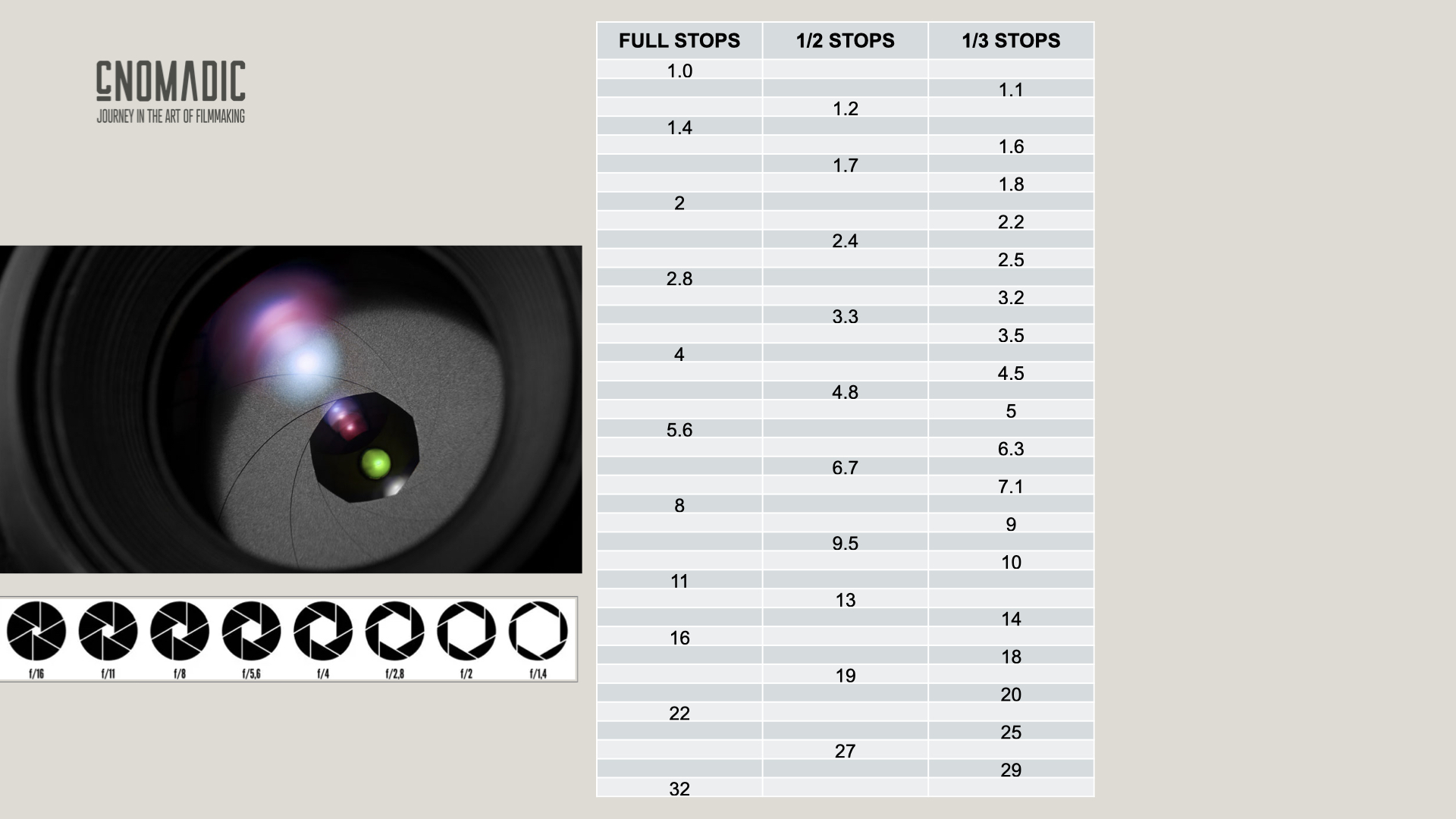
Stops Are Built Into Every Exposure Control
Stops aren’t just something your sensor measures. They’re built into the tools you use every day.
Aperture
Every time you change your aperture, you’re moving in stops. For example:
- f/4 to f/2.8 = one stop brighter (double the light)
- f/4 to f/5.6 = one stop darker (half the light)
ISO
ISO adjustments also move in stops:
- ISO 400 to 800 = one stop brighter
- ISO 800 to 400 = one stop darker
Even if you shoot at native ISO (or dual native ISO), stops still apply. In CineEI workflows, EI changes are measured in stops and guide how you expose.
Shutter Speed (and Shutter Angle)
Shutter controls how long light hits the sensor:
- 1/50 to 1/100 = one stop darker (half the time)
- 1/100 to 1/50 = one stop brighter (double the time)
Shutter angle works the same way:
- 180° to 90° = one stop darker
- 180° to 360° = one stop brighter
ND Filters
ND filters are also measured in stops. Instead of listing them verbally in the video, a simple visual chart makes this instant to understand.
Insert chart: ND stops table (including fractional and common cinema ND values)
Optional note for Sony FX6 users: FX6 variable ND begins at ND 1/4 (2 stops) when engaged, then allows precise control beyond that.
Contrast Ratios in Stops
This is where stops become a powerful creative tool. Contrast is the relationship between different brightness levels in your frame, and it’s measured in stops.
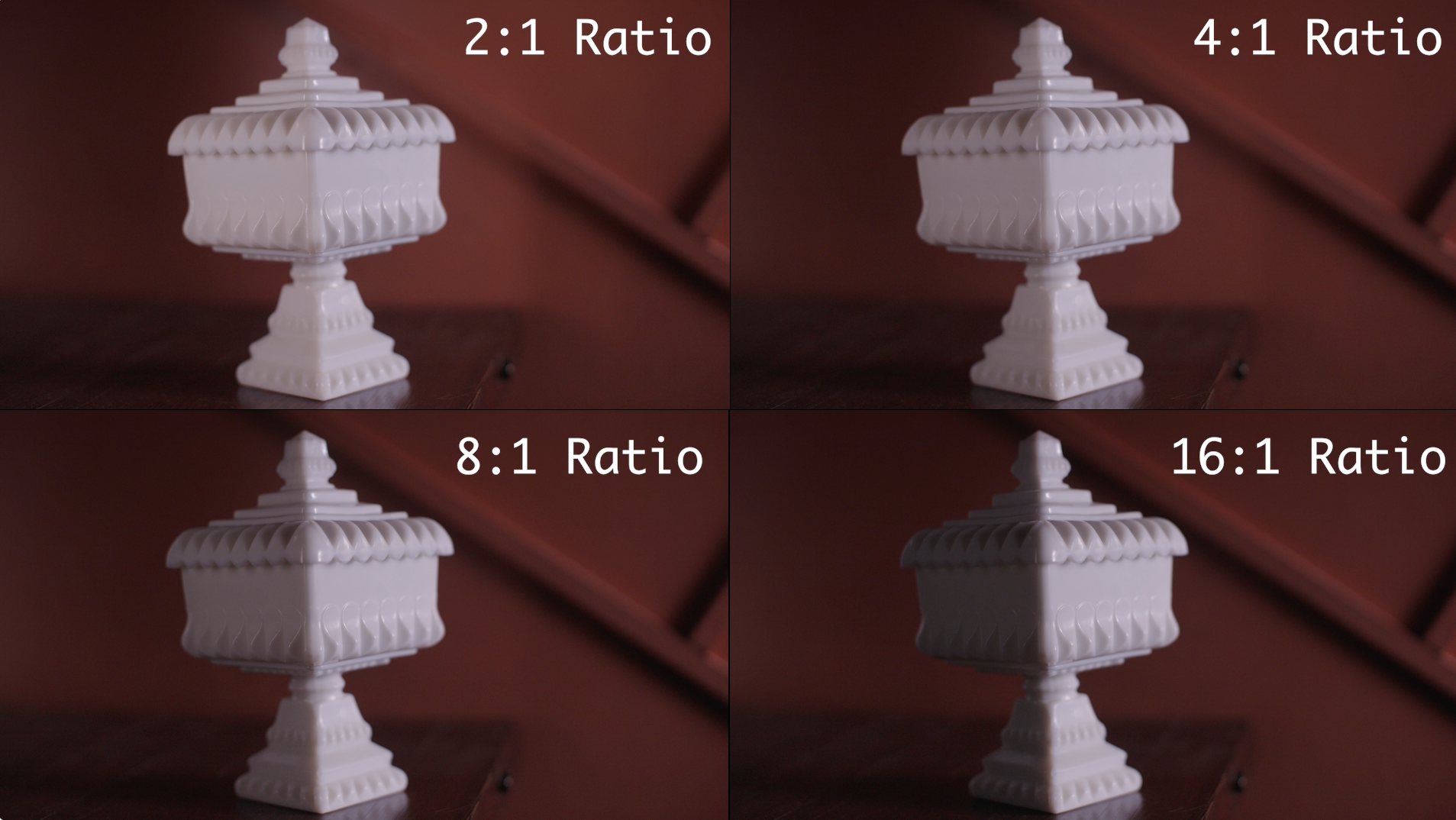
If you reduce the fill side by half, you create a one stop difference between key and fill. That equals a 2:1 ratio.
- 1 stop difference = 2:1
- 2 stop difference = 4:1
- 3 stop difference = 8:1
- 4 stop difference = 16:1
Each stop doubles the contrast ratio.
Why I Bought a Light Meter
The truth is, you don’t need a light meter to create great images. False color and waveform can take you very far.
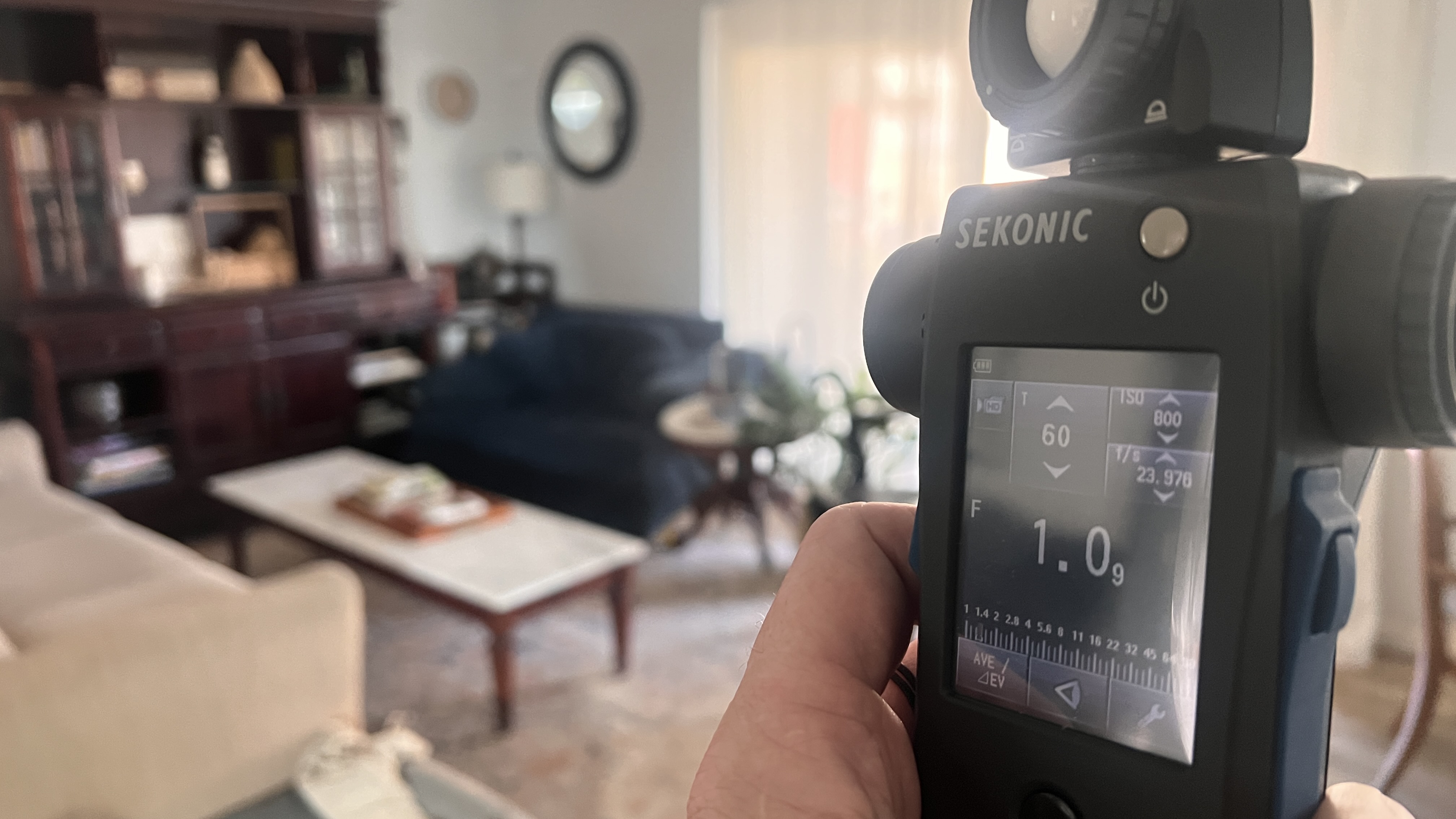
But if you want a precise way to measure different areas of the scene and define their relationships in terms of exposure and contrast, a light meter becomes the next step. The Real Power of a Light Meter shows how I use those readings to place tones intentionally.
For me, the biggest shift was this: I’m not using the light meter to tell me what creative settings to use. I decide my aperture, shutter, and ISO based on the look I want. Then I shape the light to match those decisions.
Incident vs Reflected Light
Most cinema light meters allow you to measure both incident and reflected light.
- Incident light measures the light falling onto the object (using the dome).
- Reflected light measures light bouncing off a specific surface back toward the camera (using the built-in scope).
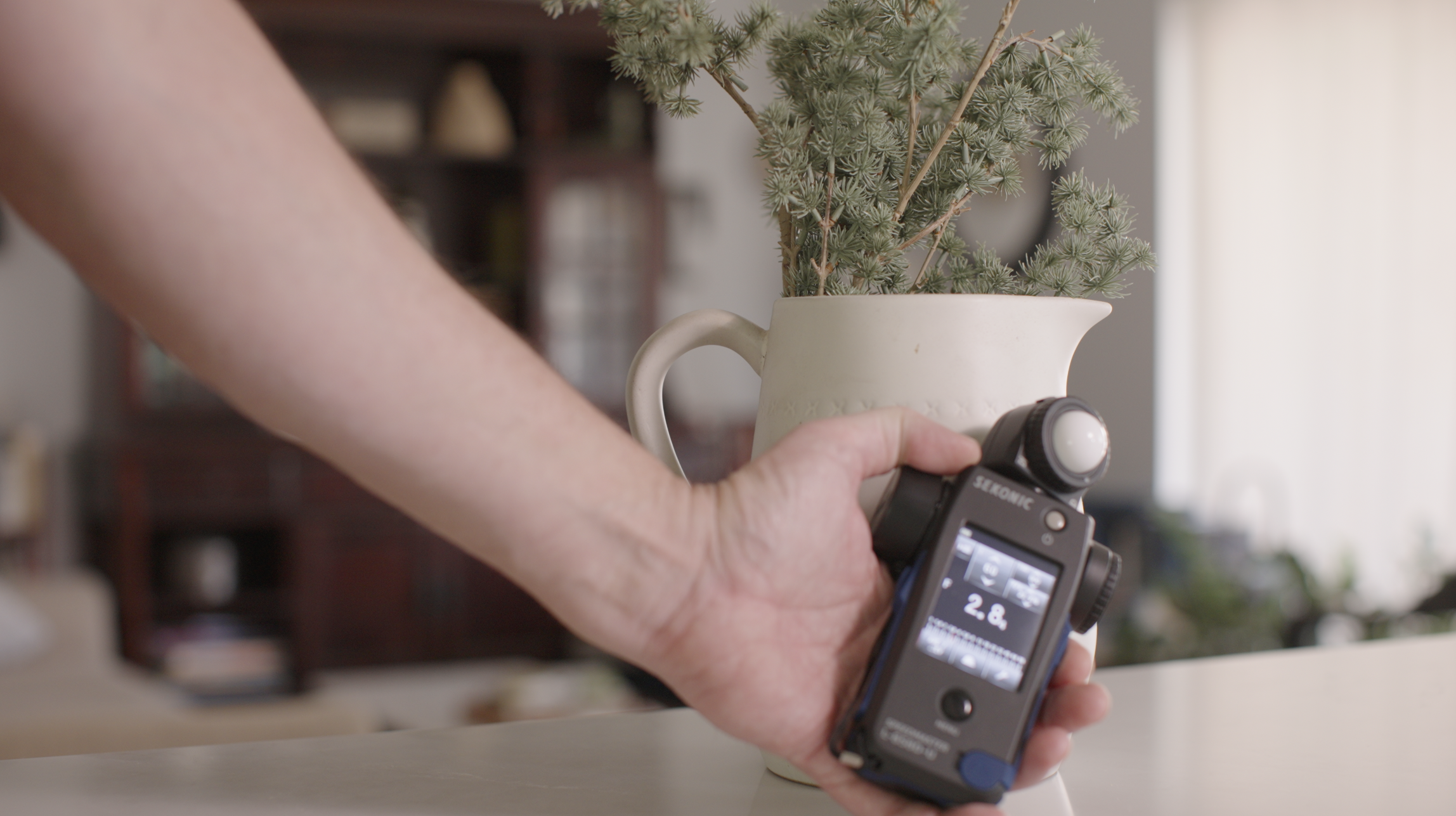
Reflected readings make it easy to compare the bright side and shadow side of an object and measure the stop difference directly. That stop difference can then be translated into a contrast ratio.
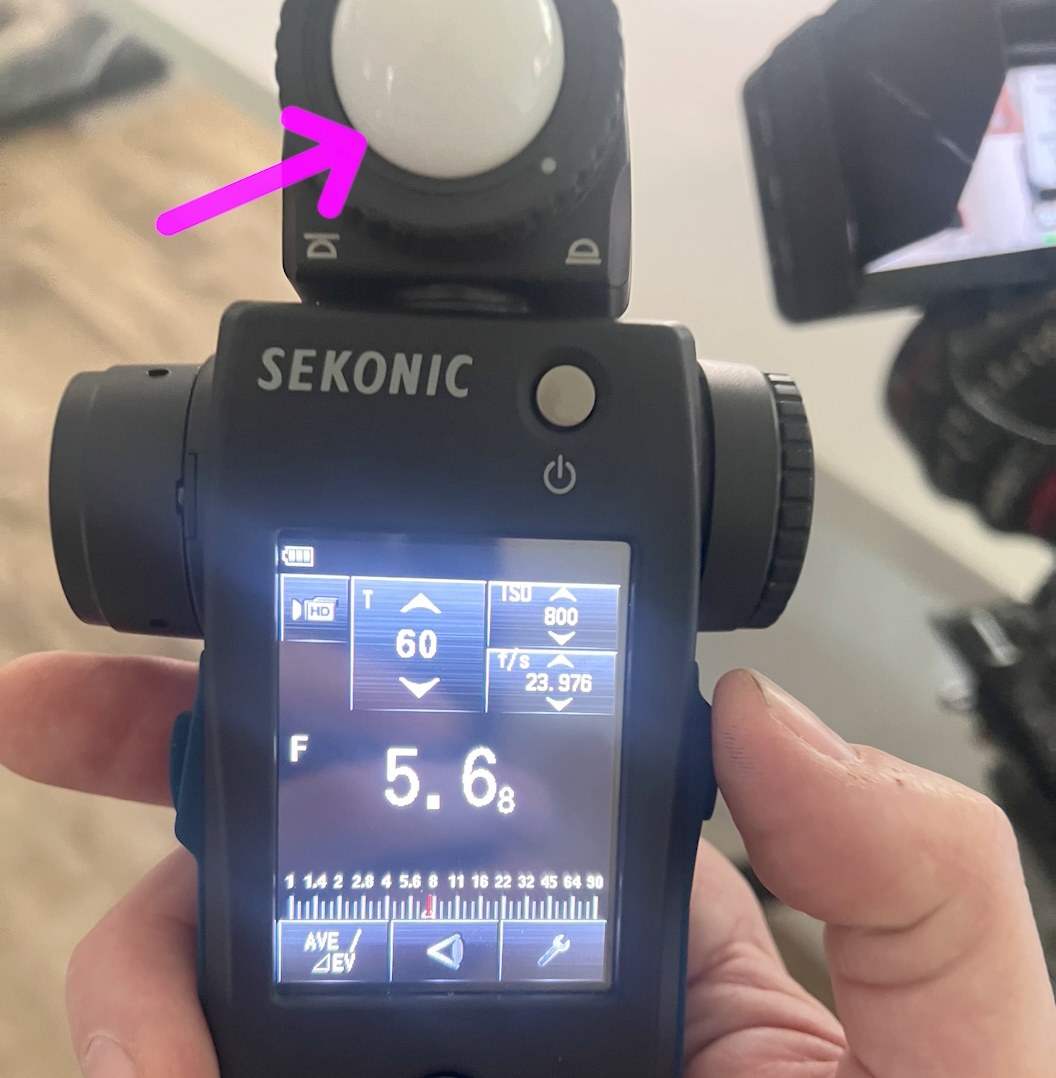
Incident
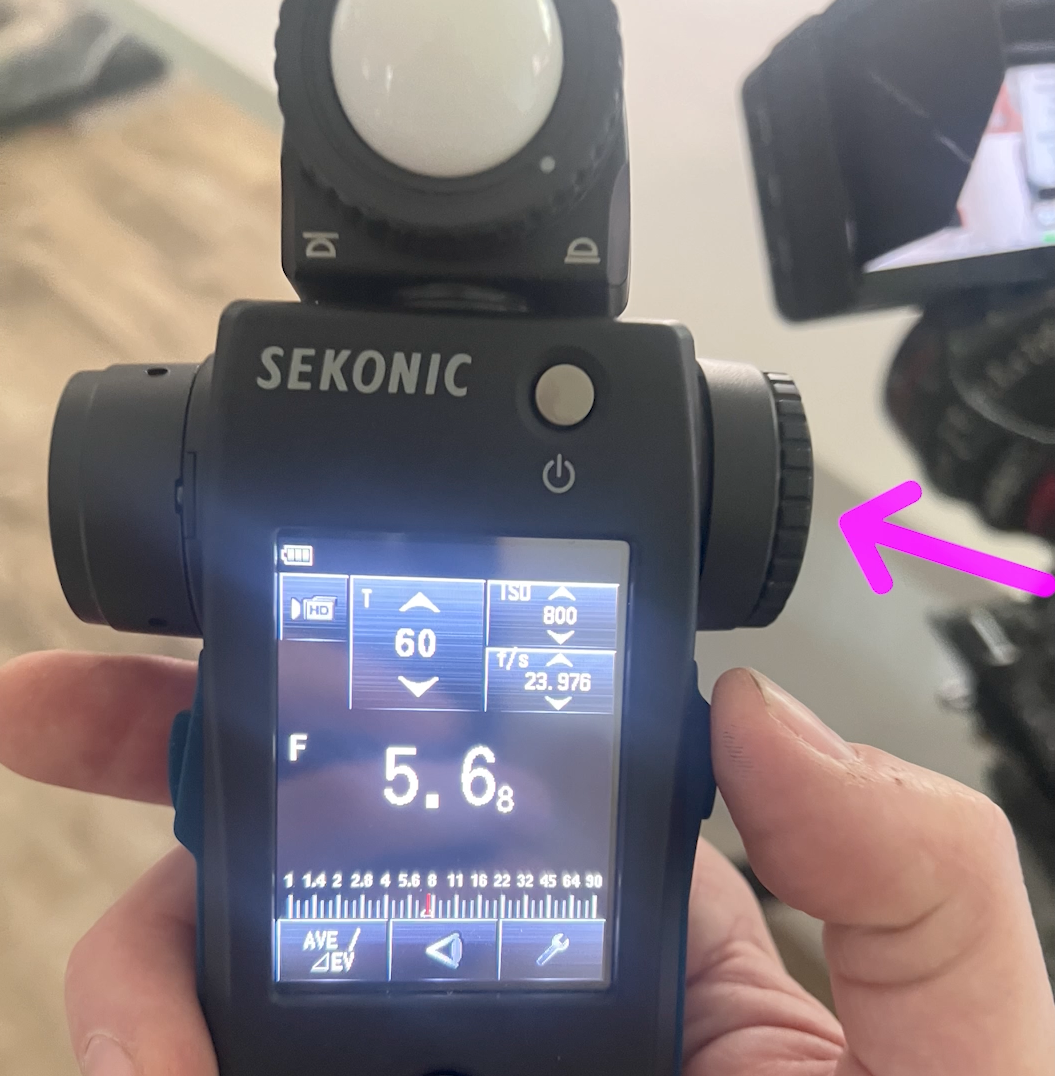
Reflective
Protecting Highlights and Shadows with Stops
Once you start measuring in stops, you can place highlights and shadows with more confidence. Instead of guessing how close you are to clipping, you can measure how many stops above middle gray a bright area sits, and how many stops below middle gray your shadows fall.
This makes it easier to stay within your camera’s usable dynamic range and maintain consistency from scene to scene.
Final Thoughts
IRE helps you monitor exposure. Stops help you design light.
When you think and speak in stops, your lighting becomes more intentional and repeatable, and it becomes easier to communicate exactly what you want on set.
That’s why cinematographers think in stops, not just in IRE.
For a practical example of IRE and contrast shaping the viewer’s attention, read Redefining Brightness.
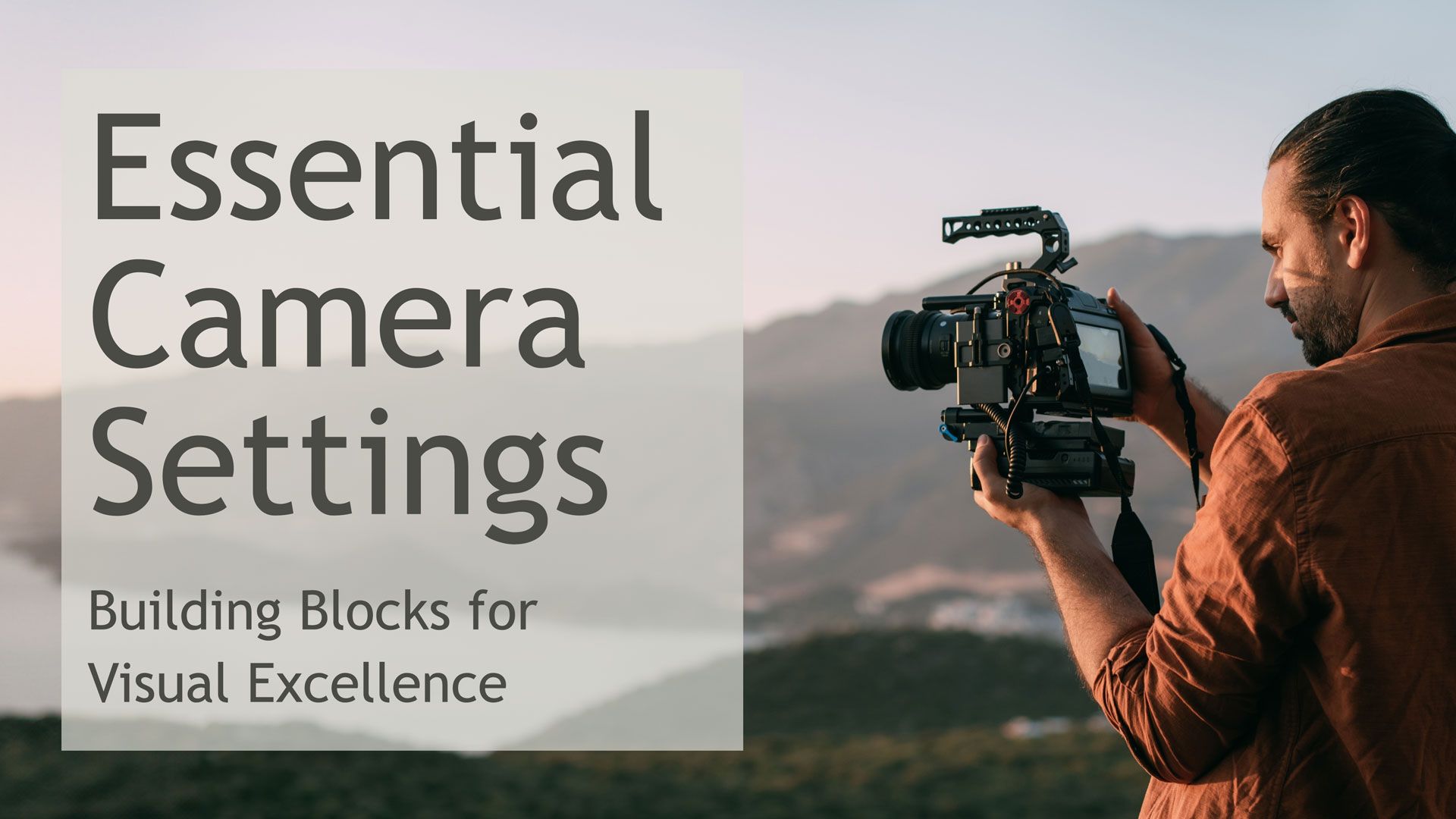
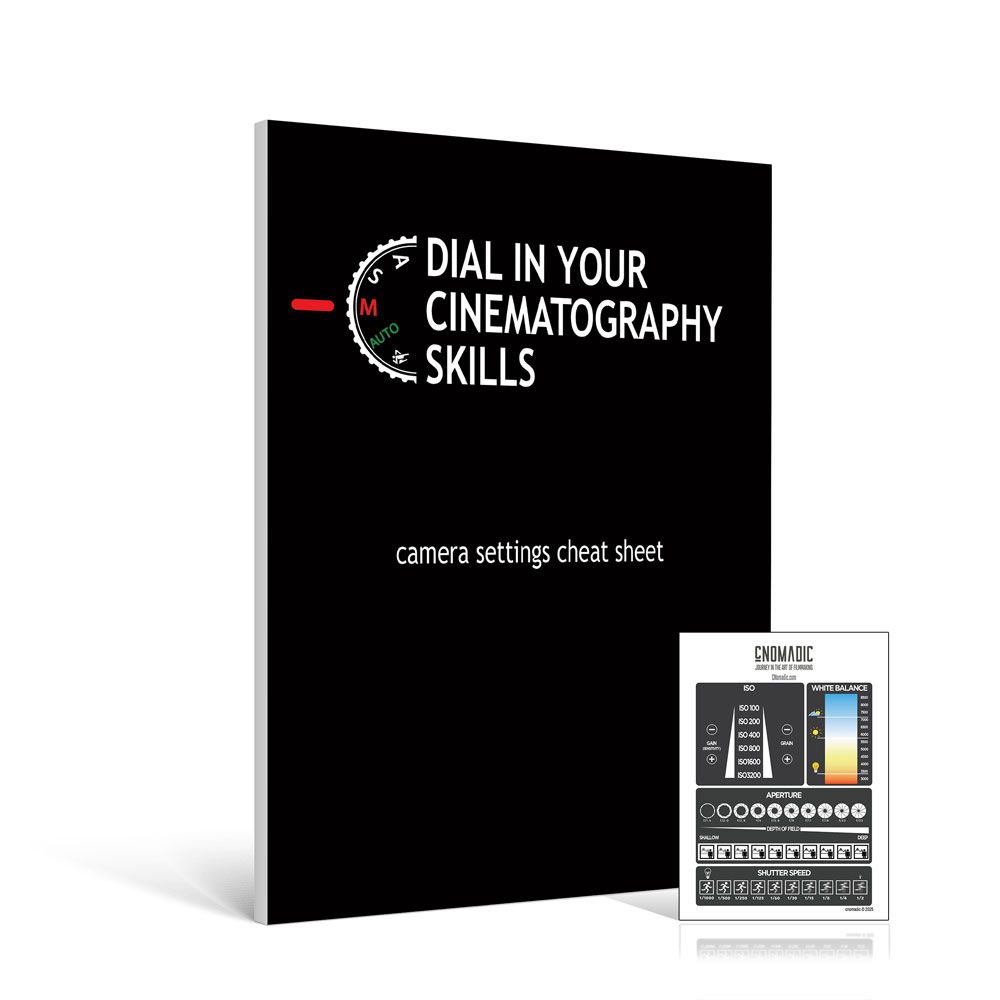
If you want to build these ideas into a complete camera and exposure workflow, explore Essential Camera Settings.
Place exposure with intention
Download the free cNOMADIC Placing Your Exposure guide—a practical reference for dynamic range, ND, waveforms, false color, stops, and IRE.
by Chris Tinard ©️ cNOMADIC 2026
To learn more about cNOMADIC's online cinematography course, visit cNOMADIC.com